How to schedule an order manually
Edited
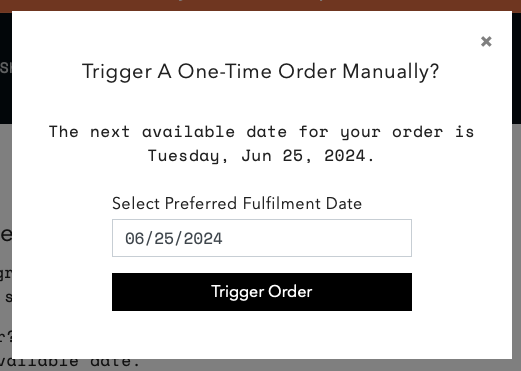
Subscribers can schedule an order manually for the next available fulfillment or future date.
Scheduling an order manually:
Log into the subscription portal and head to the "Orders" tab.
Select the "Trigger Manually" option.
From there, open the calendar under "Select Preferred Fulfillment Date". Select "Trigger Order" to place the order.